Create a Digital Product Without Design Skills (Beginner Guide)
Creating a Digital Product Without Design Skills: The Beginner-Friendly Path
Creating a digital product doesn’t require a design degree—just a clear outcome, simple structure, and a repeatable workflow. The fastest way to get something worth selling is to focus on usefulness first, then make it look clean with a few basic visual rules. Below is a practical, step-by-step approach to picking the right format, outlining the content, designing with confidence, building with beginner tools, and launching in a way that helps you improve quickly.
Start with a clear promise (not a perfect design)
Strong digital products sell because they deliver a specific result—not because they’re “pretty.” Start by narrowing your idea until it’s easy to explain and easy to finish.
- Choose one audience and one outcome. Example: “help busy beginners plan meals for a week.”
- Write a one-sentence promise: who it’s for + what changes + by when (or by what milestone).
- List 3–5 pain points your product solves and turn each into a chapter, page, or module.
- Define buyer success: what they can do, decide, or finish after using it (a completed plan, a clearer decision, a new habit).
If the promise is clear, your design only needs to support comprehension. That’s why readability matters: when text is easy to scan and understand, people feel guided instead of overwhelmed. For practical readability principles, see Nielsen Norman Group’s overview of legibility and comprehension.
Pick a beginner-friendly digital product format
Choose a format that matches how much effort your buyer wants to invest—and how quickly you can create a solid first version.
- Match the format to the buyer’s effort level: quick wins (templates, checklists) vs. guided learning (workbook, short eBook, mini-course).
- Favor easy-to-update formats: PDF, Canva template links, Notion pages, or spreadsheets.
- Avoid high-production formats early on (complex video editing, multi-platform apps) unless you already have the skills.
- Decide your “minimum lovable version” (MLV): the smallest version that still delivers the promised result.
| Format | Best for | Typical length | Tools to build fast |
|---|---|---|---|
| Checklist / cheat sheet | Quick decisions and reminders | 1–5 pages | Google Docs, Canva |
| Template pack | Repeatable tasks (planning, tracking, writing) | 3–20 templates | Canva, Notion, Google Sheets |
| Workbook | Step-by-step transformation with exercises | 10–40 pages | Canva, Google Docs |
| Short eBook / guide | Teaching a method with examples | 20–80 pages | Google Docs → Canva → PDF |
| Email mini-course | Habit-building and accountability | 5–10 emails | ConvertKit, MailerLite |
Outline first, then write in small blocks
Outlines keep you from rewriting the same section ten times. They also make it easier to design later because you’ll know what each page needs to communicate.
- Use a simple structure: introduction → steps → examples → common mistakes → next actions.
- Write in blocks: one idea per page (or one spread) so the product feels clear and skimmable.
- Add proof of clarity: examples, before/after, screenshots, and sample filled-in pages.
- Reuse headings across pages: Step, Goal, Do This, Example, Tip, Next.
When you write in blocks, you can move pieces around without breaking the flow. That’s especially helpful for templates and workbooks, where the reader wants quick wins.
Design basics that make any product look polished
You don’t need advanced design knowledge to make a product look “intentional.” You need consistency, spacing, and readable text.
- Limit fonts to two: one for headings and one for body text. Keep body text comfortably readable (avoid ultra-thin fonts).
- Use a simple color system: one main color, one accent, and neutrals. Ensure strong contrast for readability.
- Rely on spacing: generous margins and consistent gaps between sections instantly create a designed feel.
- Build consistency: reuse header styles, icon styles, and callout boxes across pages.
If you want a quick reference for layout and fundamentals, Canva Design School is a solid beginner-friendly library. For accessibility-minded contrast and readability standards, review the WCAG overview.
Use templates and beginner tools to build faster
One simple workflow beats bouncing between five apps. Build a stack you can repeat for every product.
Price and package for an easy “yes”
If confidence is your sticking point (publishing, selling, showing your work), pairing a practical build plan with mindset support can help you follow through. Consider Empower Your Inner Voice – A Practical eBook Guide on how to overcome self doubt, Build Confidence, and Strengthen Mindset for Personal Growth for a structured approach to strengthening confidence while you create.
Launch with a small test and improve quickly
A step-by-step eBook option built for non-designers
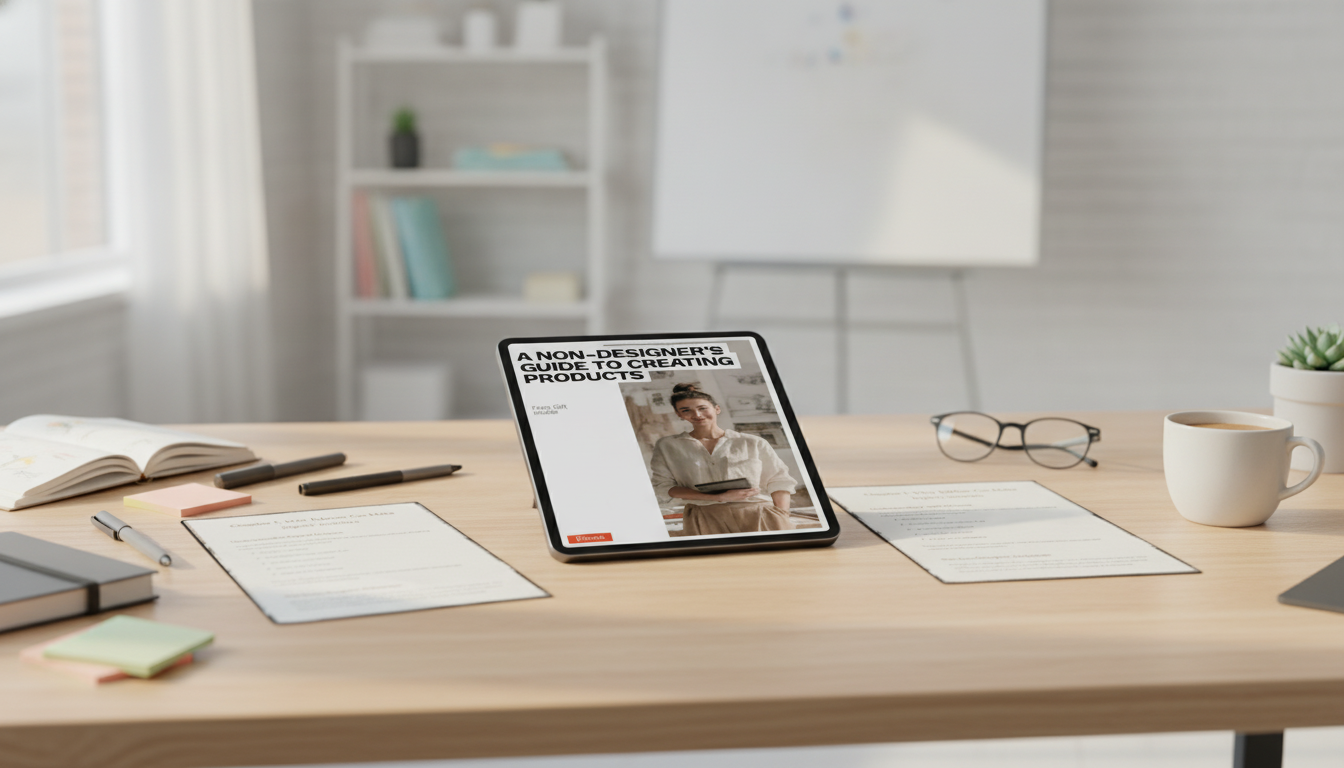
For a beginner-friendly roadmap, see A Non-Designer’s Guide to Creating Products | Simple Digital Product Creation for Non Designers | Step-by-Step eBook for Beginners, designed around simple layout rules, practical tool workflows, and a clean finish-and-deliver checklist.
FAQ
What’s the easiest digital product to create as a beginner?
Checklists, templates, and short guides are usually the easiest because they’re fast to build, simple to validate with early buyers, and easy to update when you get feedback.
Which tools are best if design feels intimidating?
Canva is a great starting point for layouts, and Google Docs is ideal for drafting and edits. Keep it simple by limiting yourself to two fonts, a small color palette, and one consistent set of page styles.
How long should a first eBook be?
A practical first range is often 20–60 pages, depending on the outcome. Aim for one clear promise, include examples, and add a quick-start section so buyers can take action immediately.







Leave a comment