Best Way to Back Up Files: The 3-2-1 Backup Method
What is the best way to back up your files?
The best way to back up your files is to use the 3-2-1 method: keep three copies of your data, on two different types of storage, with one copy stored offsite. This approach protects you from the most common failures—lost devices, accidental deletion, theft, hardware crashes, and ransomware—without relying on a single point of failure.
Answer
Start with a “working copy” on your main device, then add two backups:
1) Create an automatic local backup
Use an external hard drive or SSD and set it to run on a schedule (daily is ideal). A local backup is fast, works even without internet, and makes it easy to restore large folders quickly. Keep the drive disconnected when not actively backing up to reduce risk from power surges or malware.
2) Add a secure cloud or offsite backup
A cloud backup gives you protection if your device and local drive are damaged or stolen. Enable strong account security (unique password plus two-factor authentication) and confirm your backup is encrypted. If you prefer physical storage, keep a second drive in a separate location (home safe, office, or with a trusted contact).
3) Include versioning and test restores
Backups are most useful when they keep older versions of files. Turn on file history/versioning so you can roll back after mistakes or ransomware. Then test a restore: pick a folder, restore it, and confirm the files open correctly.
4) Prioritize what matters most
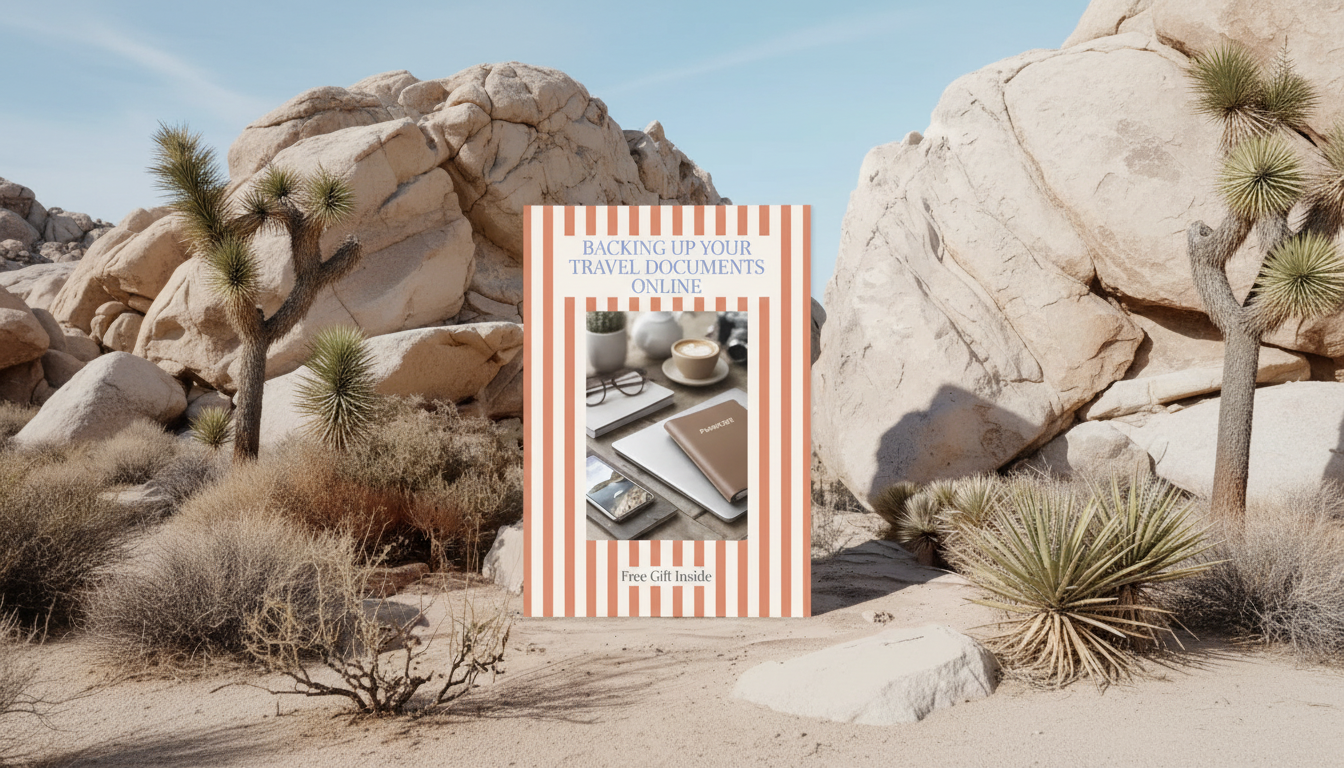
Back up irreplaceable items first—photos, tax records, contracts, scanned IDs, and travel documents. For a practical step-by-step approach to storing important documents safely online, follow this guide: https://zelvira.com/guide-secure-online-travel-document-backup-step-by-step/.
For Best Way to Back Up Files: The 3-2-1 Backup Method, the best answer depends on fit, material, care instructions, and how the product will be used day to day.
FAQ
How often should you back up important files?
For active files, daily automatic backups are best. For less-changing archives, weekly can work, as long as you also back up immediately after major updates (like new photos or completed paperwork).











Leave a comment