Choosing a Student Tablet: Size, Battery, and Apps
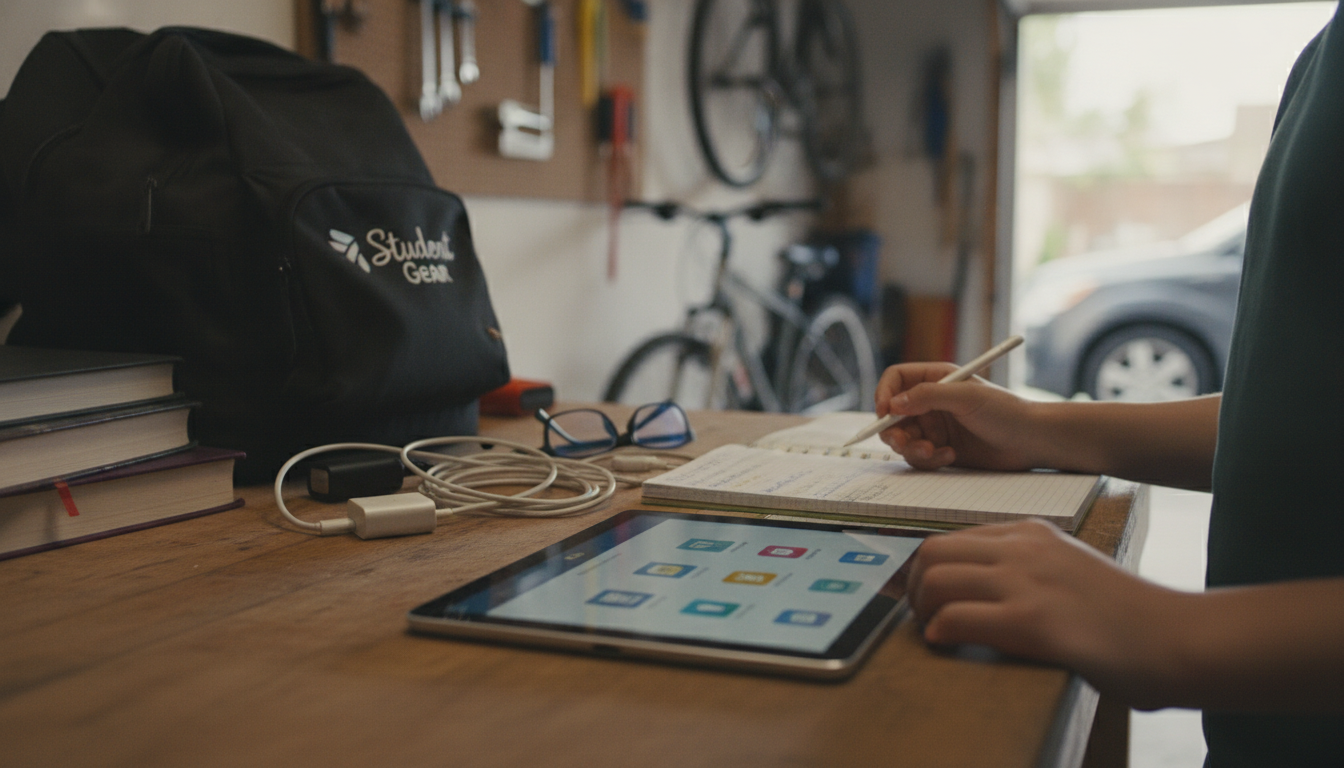
How to Choose a Tablet for Students
Picking the right student tablet comes down to matching schoolwork needs with budget, portability, and the apps a class requires. A device that’s great for streaming may not be ideal for note-taking, reading PDFs, or running specialized coursework tools.
Start with the student’s main tasks
For digital note-taking and reading, prioritize a comfortable screen, reliable stylus support, and a smooth writing experience. For heavier multitasking (research with lots of tabs, split-screen notes, and video calls), look for more RAM and a stronger processor. If classes require specific software, verify whether it’s available on the tablet’s operating system before buying.
Choose the right size and display
Smaller tablets (around 8–9 inches) are easy to carry but can feel cramped for essays and split-screen work. Mid-size and larger screens (10–13 inches) are better for textbooks, spreadsheets, and writing, especially with a keyboard. For long study sessions, a bright, sharp display with good viewing angles reduces strain.
Battery life and charging matter on campus
A student tablet should comfortably last a full school day. Look for strong real-world battery life and convenient charging options. Fast charging can be a lifesaver between classes, and a USB-C port is a practical choice for modern accessories.
Don’t forget accessories and durability
Factor in the cost of a stylus and keyboard case if note-taking and writing are priorities. A sturdy case, decent drop protection, and a screen protector can prevent expensive repairs. Also check that the tablet has the ports and wireless features needed for peripherals like headphones, external storage, or classroom projectors.
Set a realistic budget and compare total cost
Entry-level tablets can handle basic coursework, but the “student-ready” price often includes a stylus, keyboard, and extra storage. For a broader breakdown of specs and use cases, see the full guide here: https://zelvira.com/guide-choose-tablet-for-work-study-play/.
FAQ
How much storage does a student tablet need?
For most students, 64–128GB is workable if cloud storage is used, but 128–256GB is safer for offline files, downloaded lectures, and large PDFs. If the tablet supports expandable storage, that can lower costs long-term.











Leave a comment